
To read knitting patterns on your Kindle, download your pattern PDF, visit amazon.com/sendtokindle
in your web browser, and drag and drop the file into the uploader. Once you click send, the PDF syncs automatically to your Kindle library via Wi-Fi, giving you a glare-free, long-lasting screen that won’t time out while you knit.
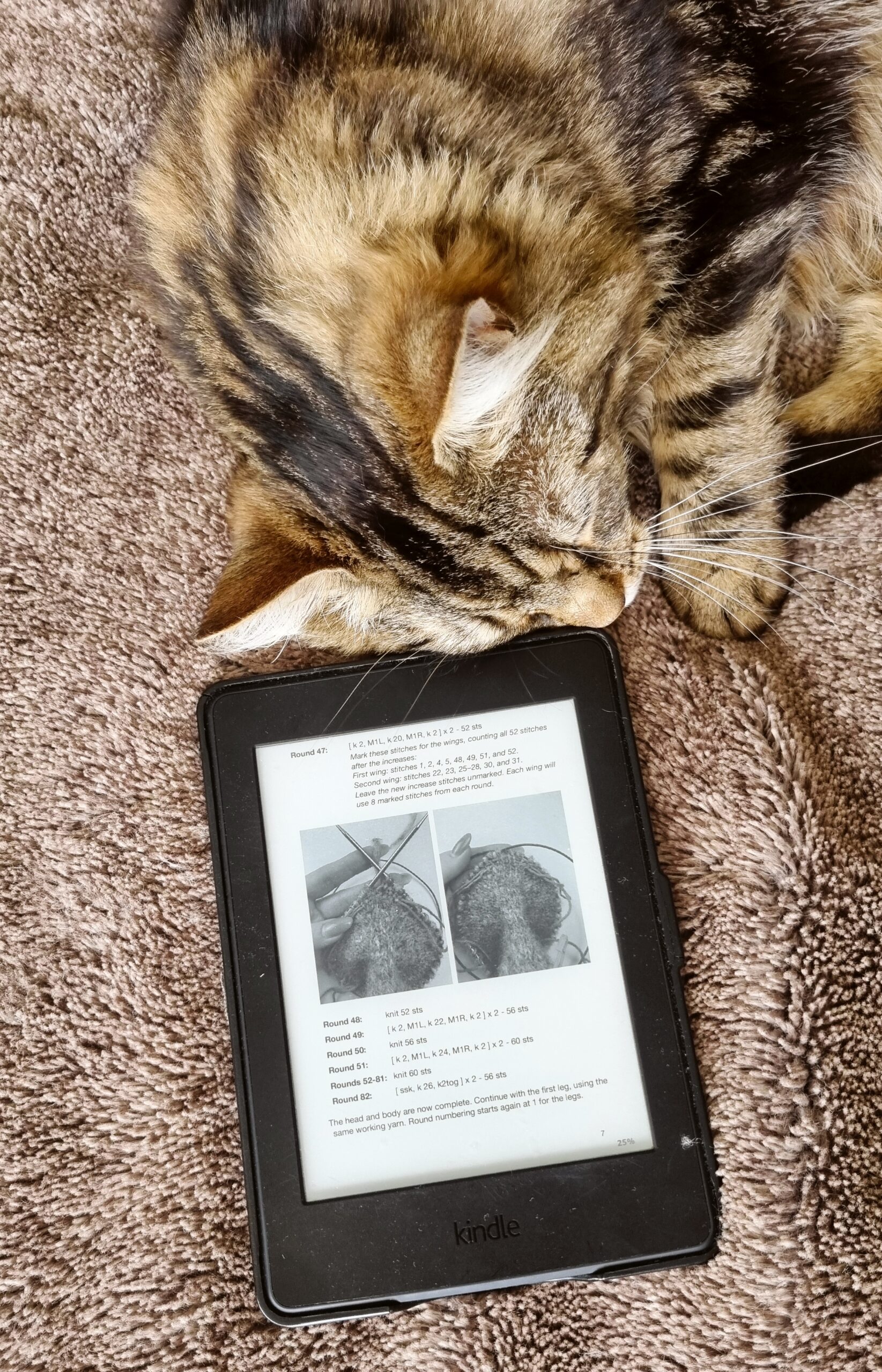
Those of us who have tried knitting from a pattern on our phone know the struggle: your screen locks every thirty seconds right when you’re mid-stitch count, forcing you to put your needles down and tap your screen with your nose. Bringing a bulky laptop out to the couch is annoying, and while printing patterns at home is an option… I know for my own circumstances as a girl mum, freshly printed patterns have a mysterious way of disappearing into their craft pile (right alongside important invoices and school forms!).
Sending your PDF knitting patterns straight to your Kindle is the ultimate middle ground. It’s lightweight, easy on the eyes, and genuinely makes knitting on the go so much simpler.
Why Reading Knitting Patterns on a Kindle is a Game-Changer
- No Constant Screen Time-Outs: Unlike a phone or tablet, your Kindle’s e-ink display stays on while you knit, so you aren’t constantly unlocking your device.
- Glare-Free & Adjustable Lighting: Whether you’re knitting in bright sunlight on the patio or curled up in dim evening lighting, the front-lit screen is gentle on your eyes.
- Kid-Proof & Clutter-Free: No loose sheets of paper getting lost under couch cushions, covered in coffee rings, or repurposed into paper airplanes by your kids.
- Ultimate Portability for Knitting on the Road: Your entire pattern library lives on one ultra-thin device that slips right into your project bag—and holds a battery charge for weeks.
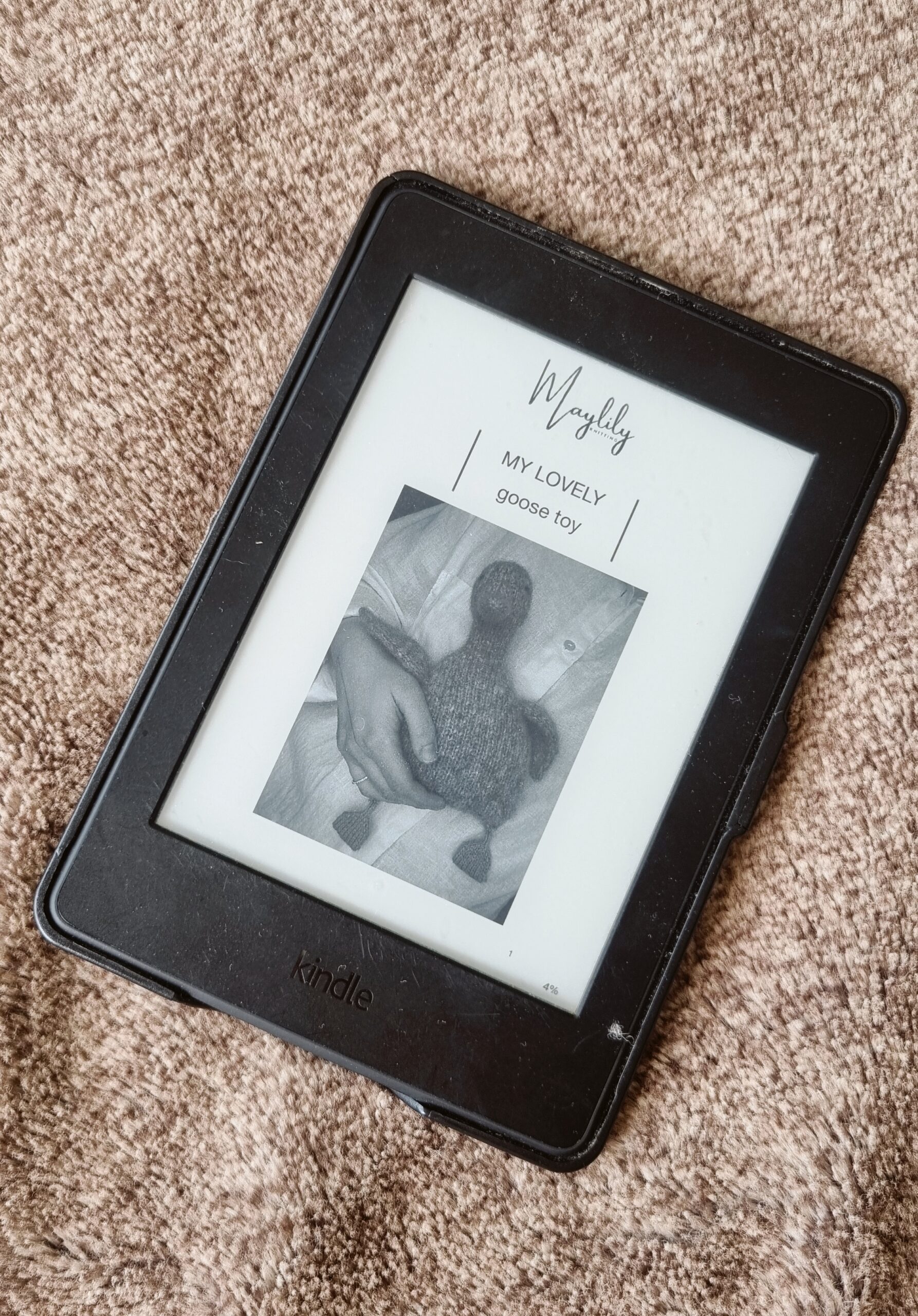
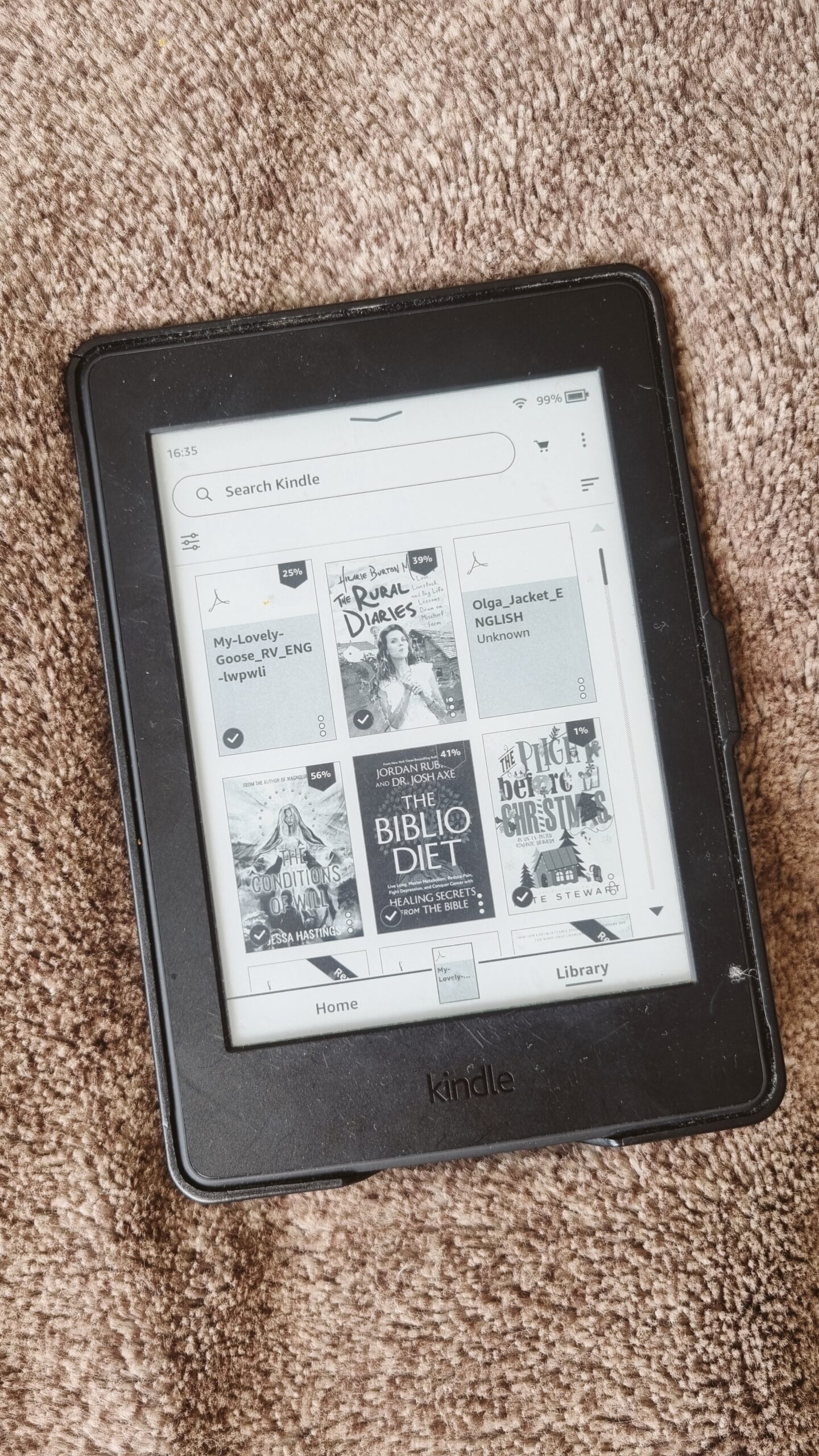
Step-by-Step: How to Send Knitting Pattern PDFs to Your Kindle
You don’t need any special cables, conversion software, or complicated tech skills to do this. Amazon’s free web tool handles PDF files directly (up to 200MB per file).
- Download your pattern: Purchase and download your knitting pattern PDF from Ravelry, Etsy, or your favorite indie designer onto your computer or phone.
- Open Amazon’s Send to Kindle page: Go to amazon.com/sendtokindle in your web browser and sign in to the Amazon account linked to your Kindle.
- Upload your PDF: Drag and drop your knitting pattern PDF into the upload box (or click Select files from device to browse for it).
- Hit Send: Make sure the box is ticked to add the file to your library, then click Send.
- Sync and knit: Make sure your Kindle is connected to Wi-Fi. Within a minute or two, your pattern will pop right up in your Kindle library—ready to open, read, and take on the road!
(Bonus Tip: Because the file is saved to your Kindle Cloud Library, you can also open the free Kindle app on your phone if you ever get stuck waiting in the school pickup line without your e-reader!)
Quick Tips for the Best Kindle Knitting Experience
- Flip to Landscape Mode: If a pattern has wide columns or a chart that feels a little small, tap the top of your Kindle screen, open the Aa (Display Settings) menu, and switch the orientation to Landscape. It makes the text noticeably larger and easier to scan!
- Create a “Knitting Patterns” Collection: Keep your books separate from your craft projects by creating a dedicated Collection on your Kindle so your active WIP (work-in-progress) patterns are always right at the top.
- Use a Tablet Stand: Prop your Kindle up on a small folding stand next to you on the couch or table for completely hands-free row reading.
Frequently Asked Questions (FAQ)
Can a Kindle read PDF knitting patterns without converting them? Yes! Kindles natively support PDF files. When you use the Send to Kindle web uploader, it preserves the original layout, stitch charts, and photos of your knitting pattern.
Do I need Wi-Fi to view my patterns once they are on my Kindle? No. You only need Wi-Fi for the initial download. Once the pattern is downloaded onto your Kindle device, it is stored offline—making it ideal for road trips, flights, or camping.
Can I highlight or make notes on my PDF pattern on a Kindle? On standard Kindles (like the Kindle Basic or Paperwhite), you can highlight text and add typed notes, though you can’t draw directly on the page. If you use a Kindle Scribe, you can write row tally marks directly onto your pattern PDF with the stylus.